POS billing
A quick sales screen with item search, quantity and payment in a few taps.
For restaurants, cafes and sweet shops
Take the order, send the KOT to the kitchen and print the bill on a 3 inch thermal printer. Billing, stock and the day's sales report stay in one place, on a PC or an Android phone.
No credit card needed. Web and Android app.
| KOT | Items | Time | Status |
|---|---|---|---|
| K-0412 | 2 Veg Thali, 1 Lassi | 8:12 PM | In kitchen |
| K-0413 | 1 Chicken Biryani | 8:15 PM | In kitchen |
| K-0410 | 3 Masala Dosa | 8:02 PM | Billed |
| K-0409 | 2 Rasgulla, 2 Tea | 7:58 PM | Billed |
Sample screen with made-up data
A quick sales screen with item search, quantity and payment in a few taps.
Print a kitchen order token so the kitchen knows what to cook.
The Android app shows open kitchen orders so staff can follow each one.
3 inch thermal receipts, with GST shown as CGST and SGST or as one GST line.
Take orders and bill from an Android phone or tablet.
Buy raw material and track stock of packed items in the same account.
Item-wise and day-wise sales, payment modes and GST reports.
Staff check in and out, salary and advances in the same app.
Send bills and offers to regular customers on WhatsApp.
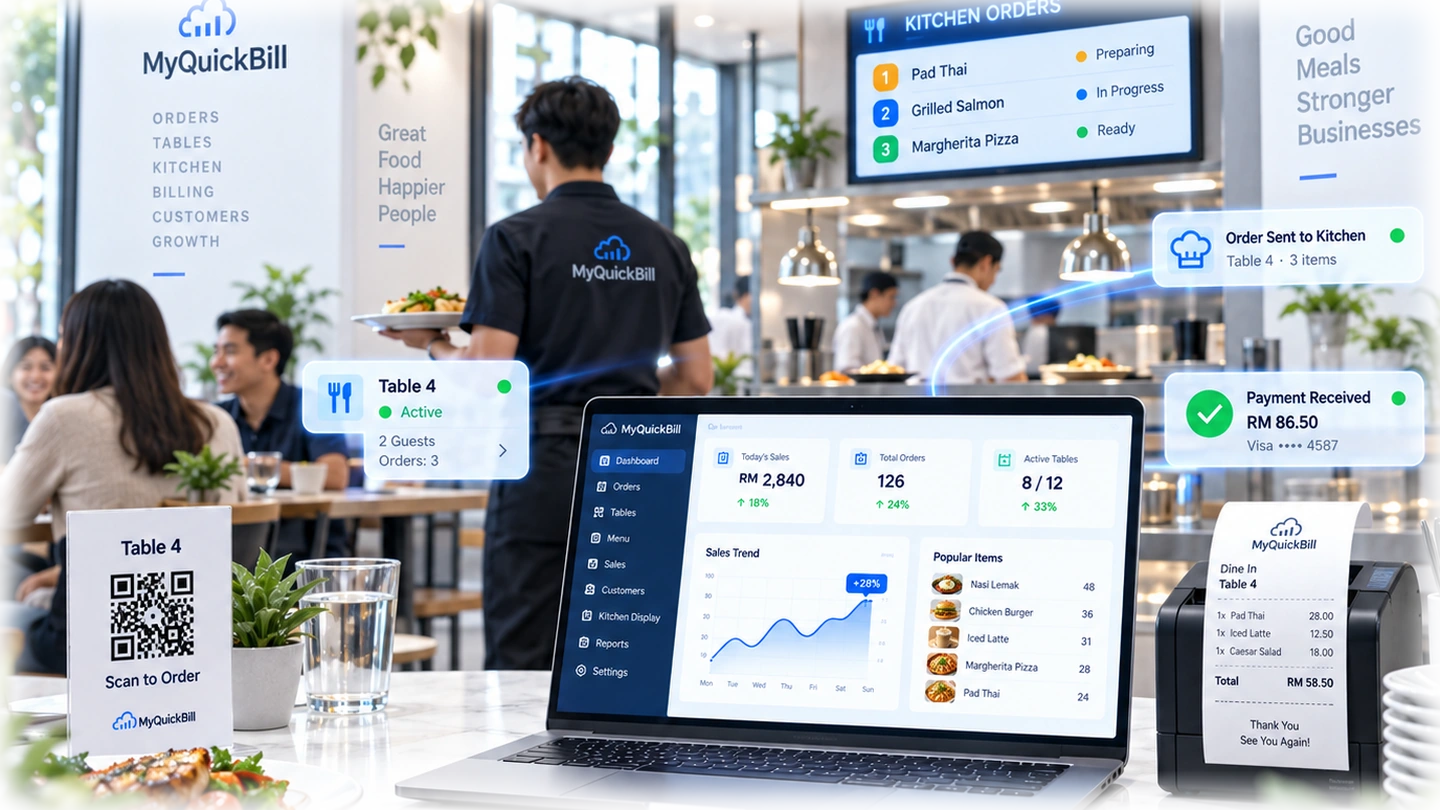
Orders go to the kitchen as KOT, bills come out of the thermal printer, and the day closes with one report.
Tap items on the POS screen or the app.
The kitchen gets the token.
The kitchen works from the token.
Print the GST bill on the thermal printer.
Cash, UPI or card.
Check the sales report.
Yes. MyQuickBill prints a kitchen order token from the POS screen.
3 inch thermal receipt printers and normal A4 or A5 printers.
Yes. The MyQuickBill Android app has food sales and a kitchen orders screen.
Yes. Sweet shops and bakeries use the same quick billing, stock and thermal bills.
Yes, 30 days free with all features.
Start the free trial today, or book a demo and we will set up your menu items with you.