Location attendance
Check in and check out from the Android app with the location saved.
For shops, offices and field staff
Staff check in from their phone with a selfie and location. You see who is working, where, and on what. Salary, advances and leave sit in the same app.
No credit card needed. Web and Android app.
| Staff | Check in | Duty | Status |
|---|---|---|---|
| Staff A | 9:58 AM | Office | Present |
| Staff B | 10:05 AM | Field | In field |
| Staff C | 10:12 AM | Field | In field |
| Staff D | On leave |
Sample screen with made-up data
Check in and check out from the Android app with the location saved.
A selfie with each check in, with face matching to stop proxy attendance.
Office, field or other duty types, and a log of the work done in the day.
Staff ask for leave in the app and you approve it. Holidays are set once for the year.
Salary payments and salary slips for each staff member.
Give an advance with a monthly cut. Reminders show what is still due.
Field staff collect payments from customers and the receipt goes into the books after a check.
Give tasks to staff with a due time and get reminders.
Choose which pages each staff member can open, add, edit or delete.
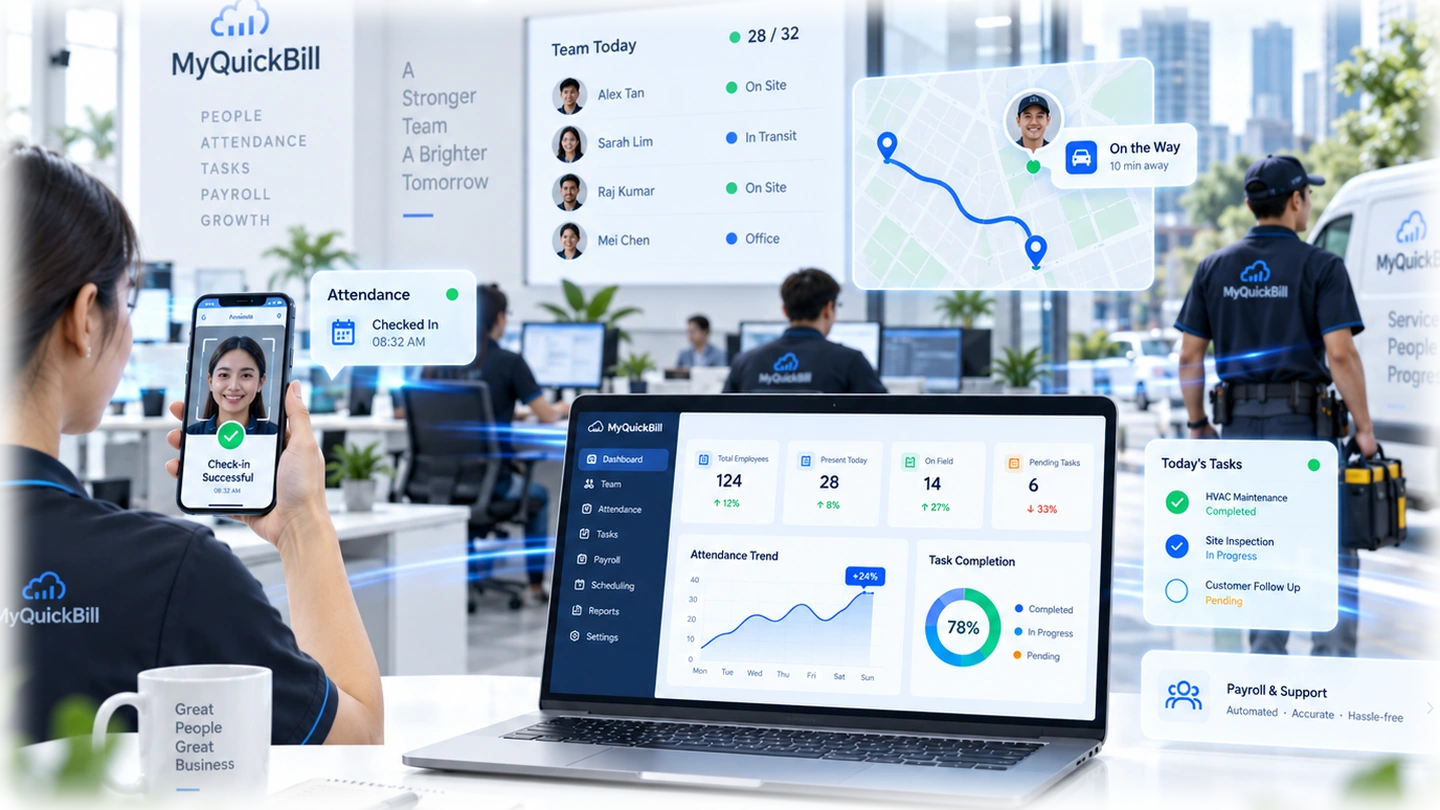
Office staff and field staff use the same app. You see attendance, work and collections without calling anyone.
Name, phone, salary and duty types.
Staff sign in on the MyQuickBill Android app.
Selfie and location, then work log.
Field cash and tasks are entered as they happen.
Salary, advance cut and slips.
Attendance and work reports for every staff.
Yes. They use the MyQuickBill Android app. The selfie and location are saved with each check in.
The selfie and face check make it hard for one person to mark attendance for another.
Yes. Set the monthly cut when you give the advance. The balance and reminders are kept for you.
No. It is part of MyQuickBill, so attendance, salary, billing and stock share one login.
Yes, the first 30 days are free.
Start the free trial or book a demo for your staff setup.