Weighbridge connection
Loaded and empty weight read straight from the weighbridge. Net weight and bag weight are worked out for you.
For rice mills and paddy traders
Run your whole mill from one screen. Weigh every lorry, check moisture, unload paddy, make the GRN, mill it and bill the rice. Stock, farmer dues and GST stay right without a second register.
No credit card needed. Web and Android app.
| Vehicle | Party | Net (qtl) | Status |
|---|---|---|---|
| WB 33 A 1234 | Farmer A | 92.40 | GRN done |
| WB 29 B 5521 | Broker B | 118.75 | In QC |
| WB 11 C 0098 | Farmer C | 64.10 | Unloading |
| WB 33 D 7781 | Farmer D | 101.30 | Weighed |
Sample screen with made-up data
A busy season means hundreds of lorries, many farmers and brokers, and stock that changes by the hour. Paper books and Excel cannot keep up.
Weight slips are typed by hand and disputes start later.
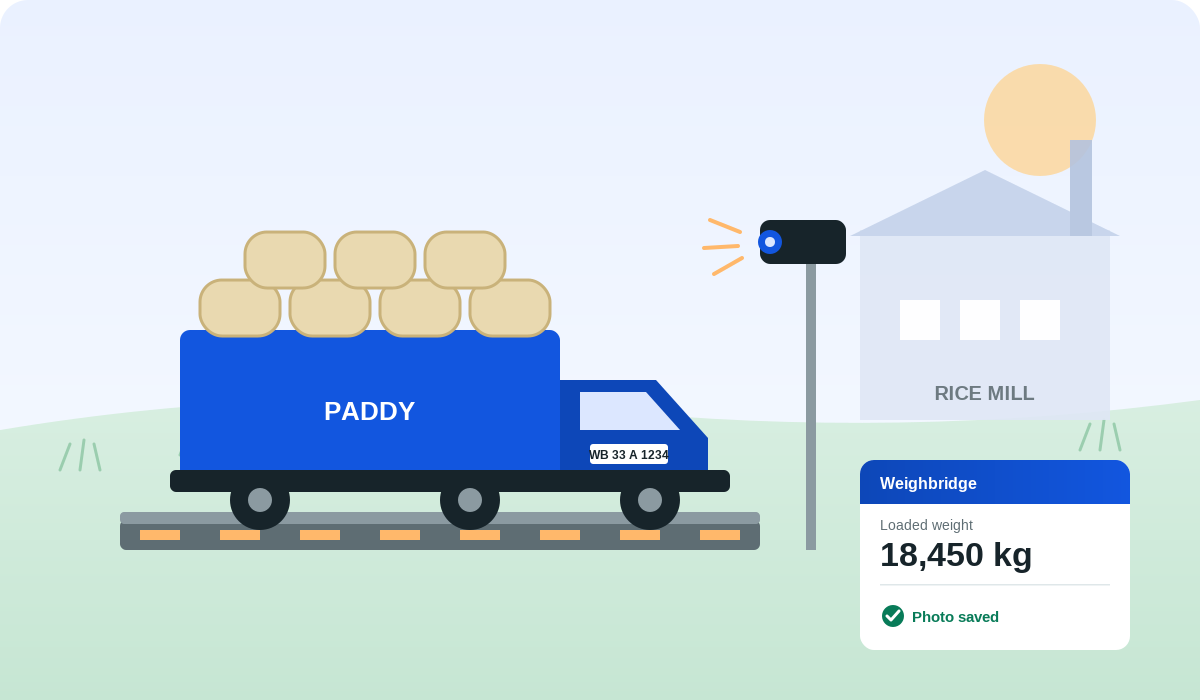
The weight is read from the weighbridge PC and saved with the vehicle number and a camera photo.
Moisture cut is worked out differently by each staff.
One moisture rule for the mill. The cut is applied the same way on every slip and every bill.
Nobody knows how much paddy and rice is really in stock.
Paddy in, milling out, rice, broken, bran and husk stock update on their own after every entry.
Broker deals and advances get lost in notebooks.
Deals (sauda) with rate and quantity, deposits and balances are saved and shown on every lift and bill.
Everything below is part of the Rice Mill & Paddy module. Turn it on by choosing Rice Mill as your business type.
Loaded and empty weight read straight from the weighbridge. Net weight and bag weight are worked out for you.
Cameras connected to the weighbridge PC are found by the system. A compressed photo is saved with each weighment.
Moisture, broken grain and other checks per lorry. Rejection by staff needs manager approval, with the reason saved.
Make the GRN after unloading. The purchase bill, stock and farmer khata update together.
Record paddy sent to milling and rice, broken, bran and husk received. Milling cost is shared out by sale value.
Keep Govt paddy and custom milled rice (CMR) separate from your own trade, with their own registers.
Save each sauda with rate, quantity and broker. Lifts and bills are checked against what is still due.
GST invoices for rice, broken rice and bran. Rice bran can carry the right GST for feed use or other use.
Daily arrivals, stock by item, yield per milling, party dues and GST reports for your accountant.
The munshi at the gate, the QC staff, the godown and the owner all work on the same records, from a PC or a phone.
Gate entry, loaded weight and photo of the vehicle.
Moisture and quality noted. Accept, cut or reject.
Paddy goes to the godown, then the empty weight is taken.
Purchase bill and farmer or broker due are made in one go.
Paddy issued to milling, rice and by-products come back into stock.
GST invoice, challan and payment entry for every buyer.
Yes. When you choose Rice Mill as your business type, the Rice Mill & Paddy module opens with paddy purchase, weighbridge, quality check, GRN, milling, Govt CMR, deals and rice sales. The side menu shows only what a mill needs.
Yes. A small connector on the weighbridge PC sends the weight to MyQuickBill, so staff do not type it. Our team helps you set it up.
No. The system looks for cameras already connected to the weighbridge PC and saves a compressed photo with each weighment.
Yes. Govt CMR has its own pages and registers, so your own trading stock and accounts are not mixed with it.
You can use it free for 30 days. After that you pay a low monthly plan instead of a large one-time licence. See the pricing section on our home page.
Yes. MyQuickBill runs in any browser and has an Android app, so staff at the gate or godown can work from a phone.
Start the free trial or ask for a demo. We can show the full flow from lorry to rice sale on a demo mill.